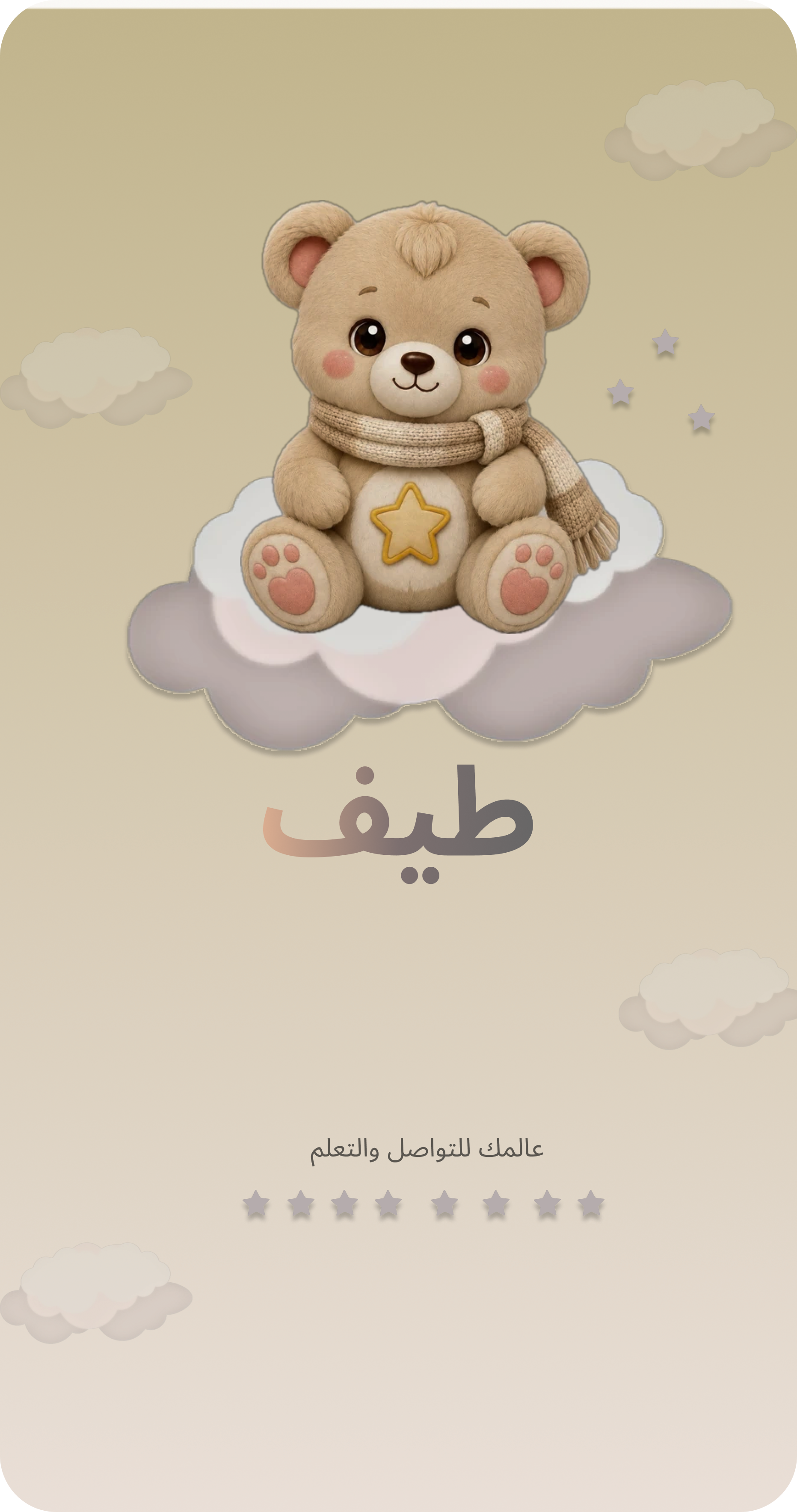
Taif Kids
Friendly illustrations, large controls and simple visual learning activities.
Explore child screens ↗Taif is a two-part interface concept: a visual learning experience for children and a companion platform for their families. Both were designed in Figma, with different layouts and visual decisions for their intended users.
Friendly illustrations, large controls and simple visual learning activities.
Explore child screens ↗
A structured companion concept for family information, activities and schedules.
Explore parent screens ↗The child-facing experience focuses on recognizable visuals and approachable interactions. The parent-facing experience organizes more detailed information and proposed management tools. The project is a UI/UX concept rather than a developed application.
Selected Figma screens demonstrating the child's learning journey, from choosing a country to exploring words and completing activities.
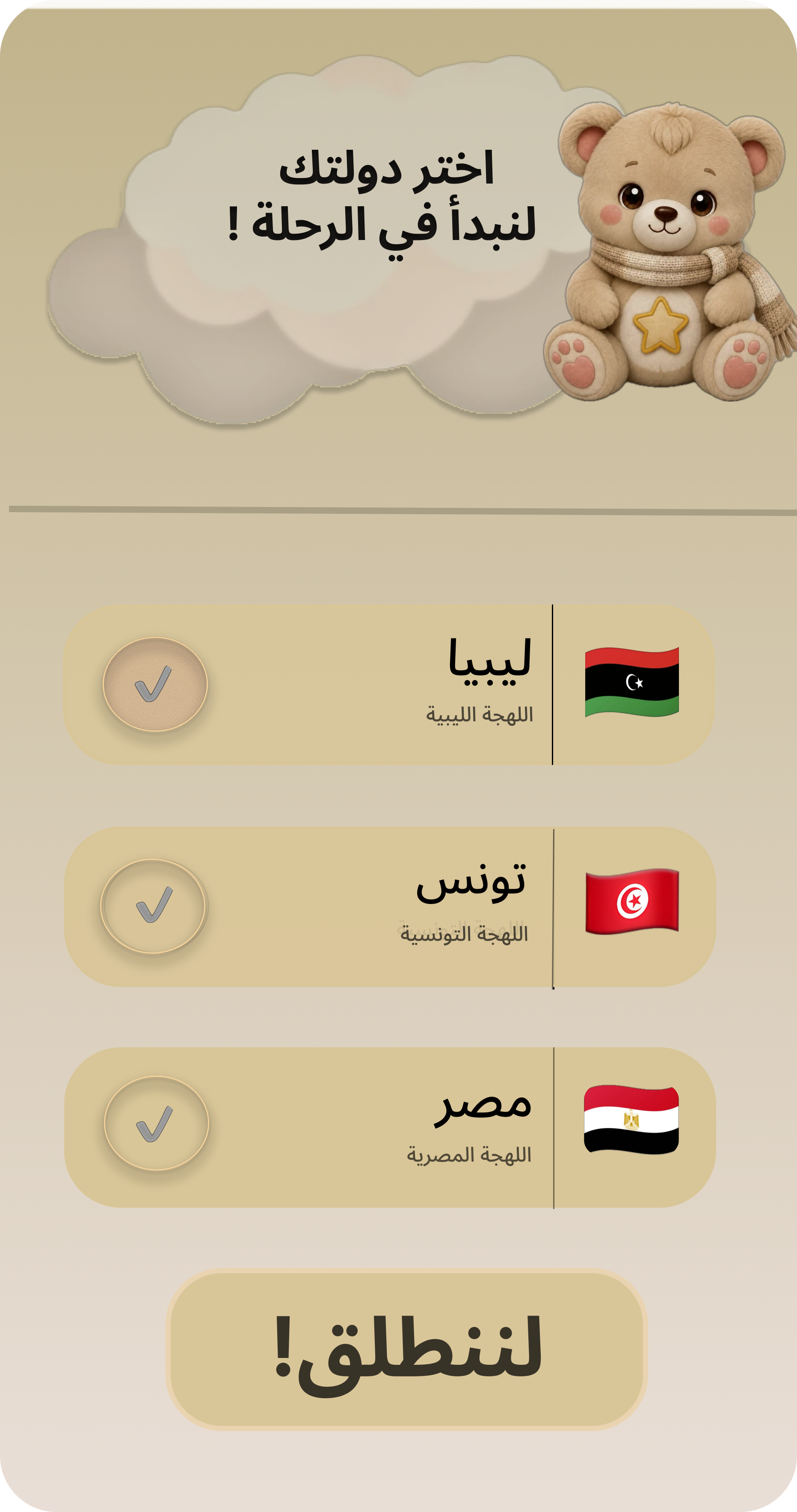
Large options pair country names with recognizable flags, keeping the initial selection clear.
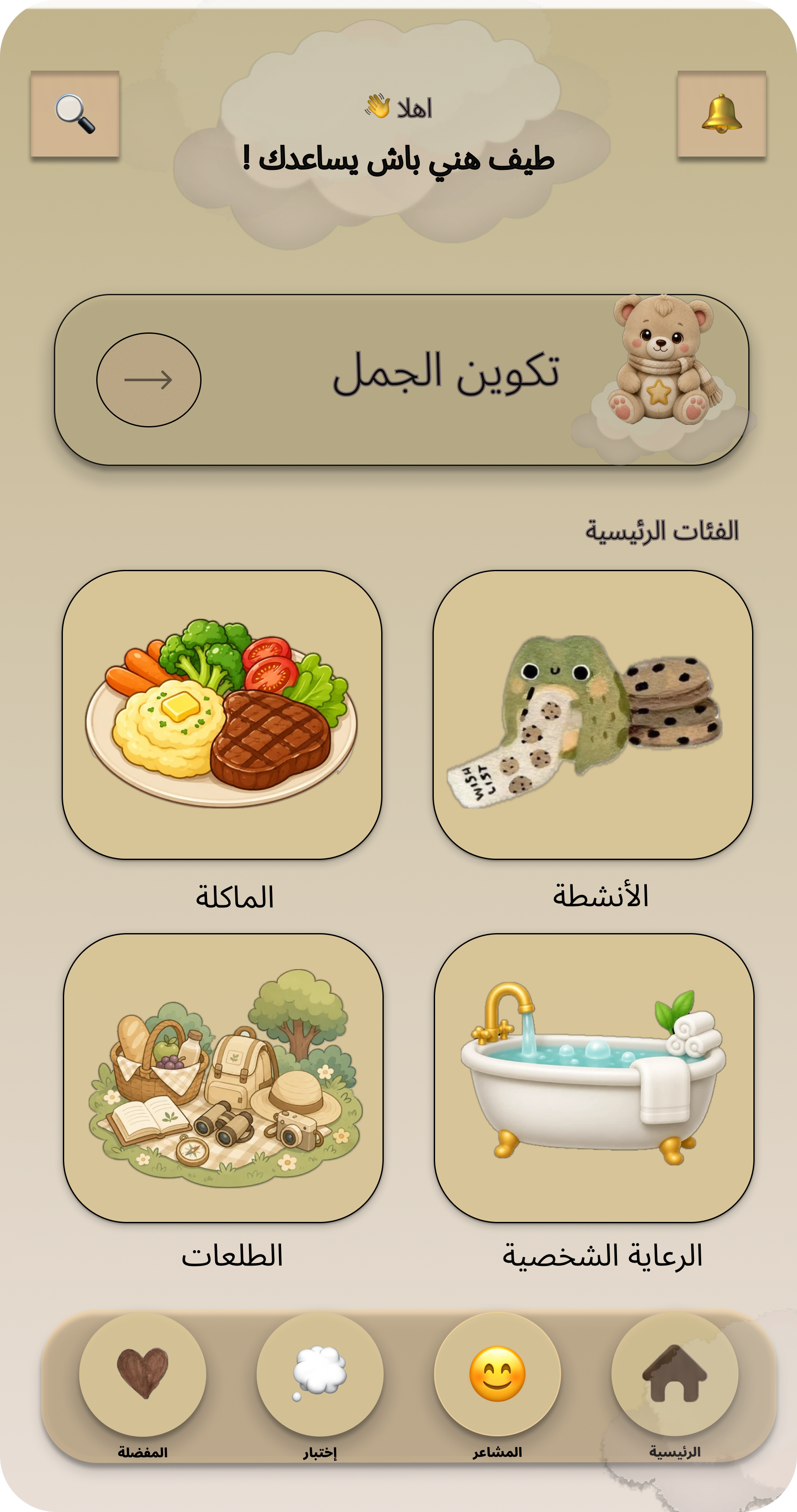
A teddy bear guide and illustrated category cards introduce activities, food, outings and self-care.
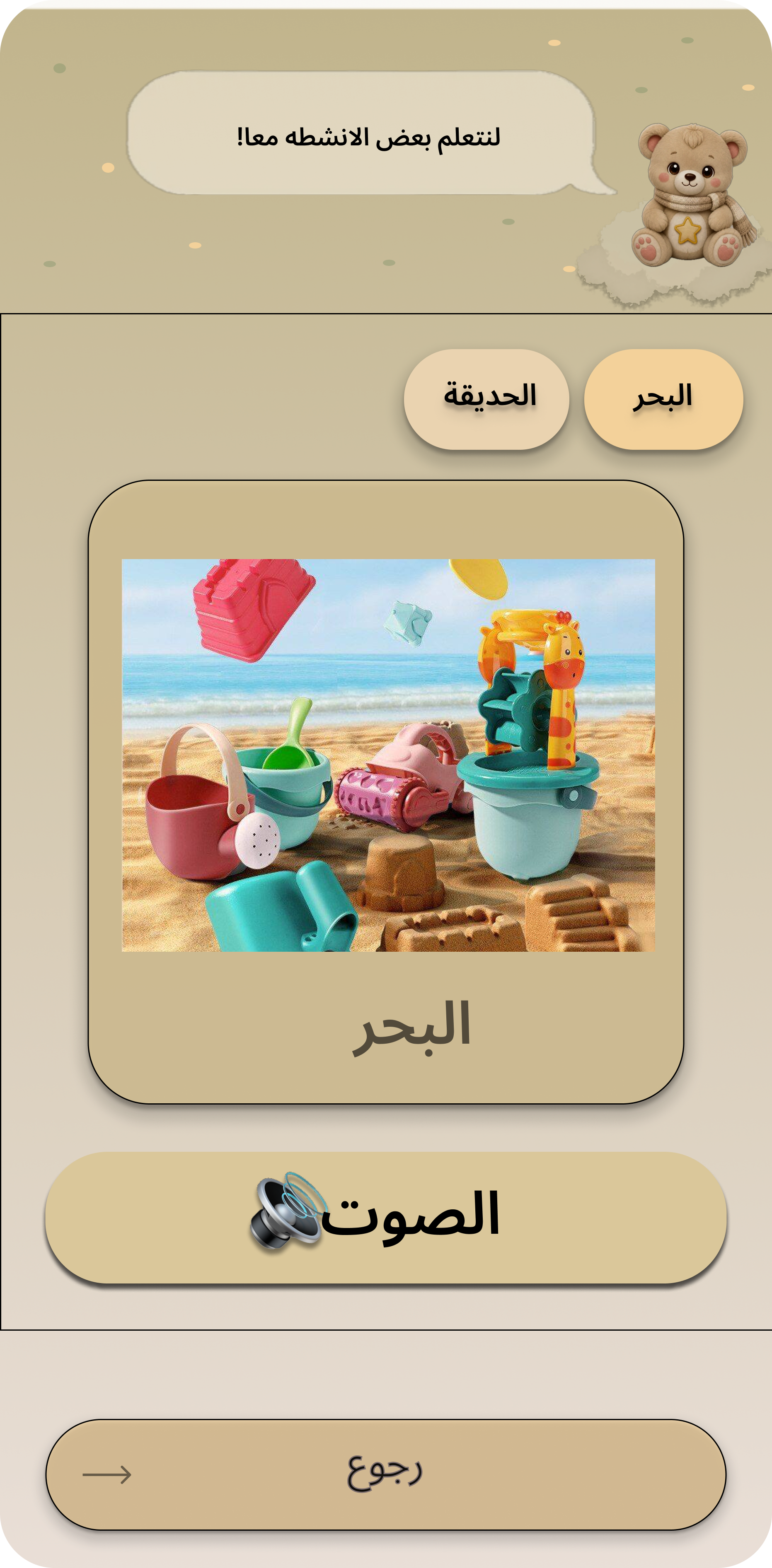
Familiar images, Arabic labels and visible sound controls support the proposed vocabulary experience.
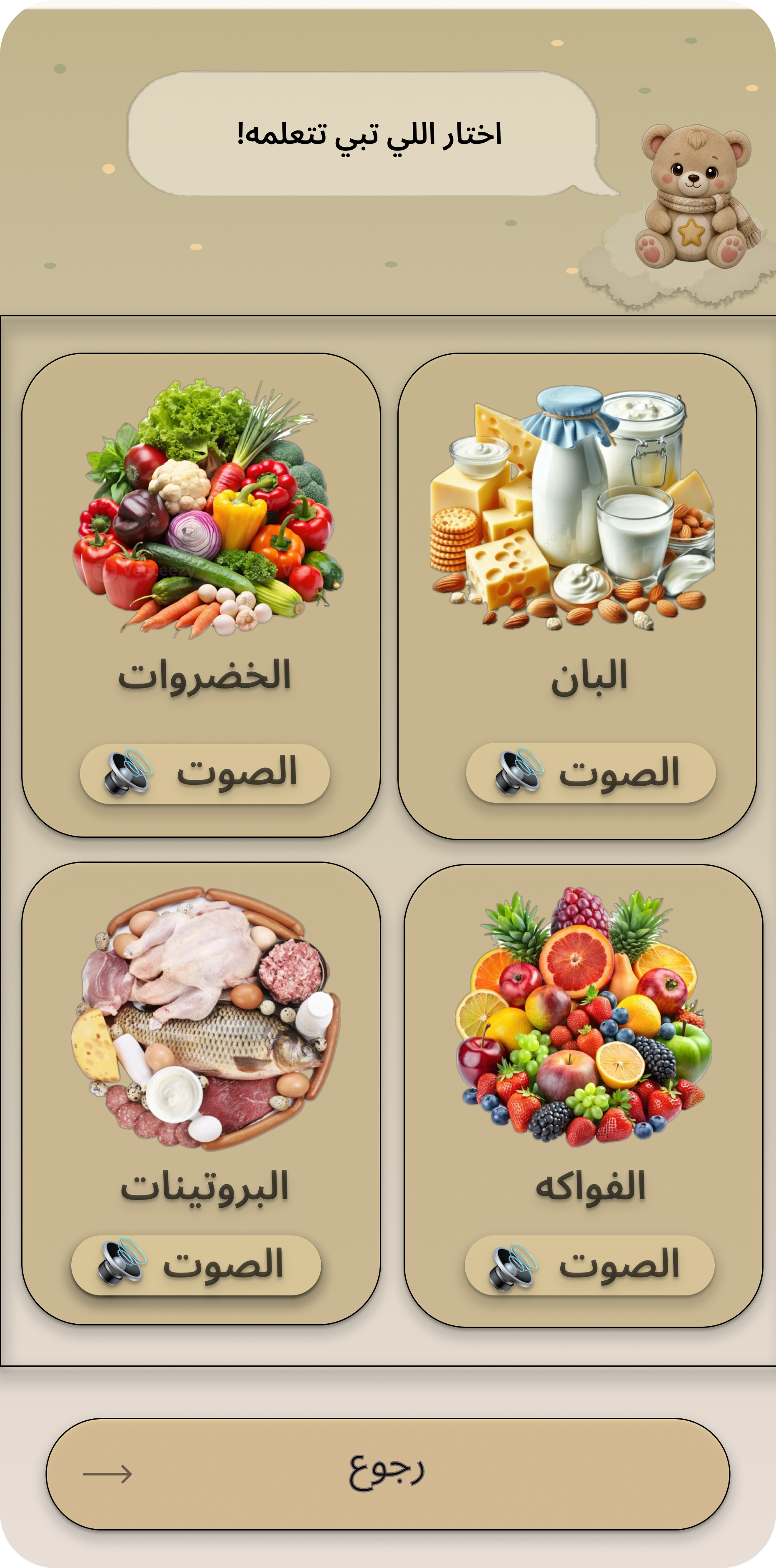
Illustrated cards separate vegetables, dairy, proteins and fruit into easily identifiable groups.
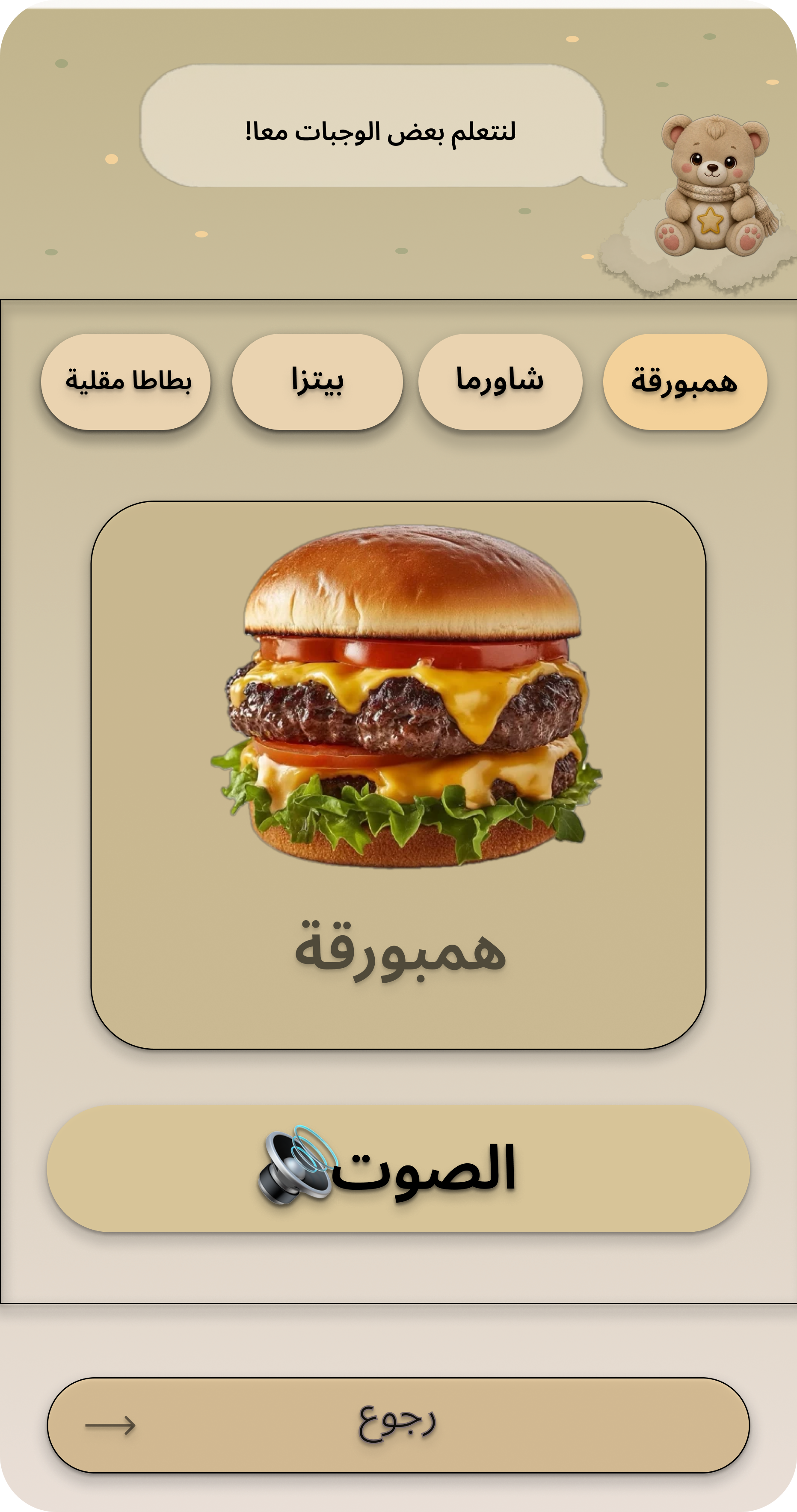
A large food illustration, a readable label and a prominent sound button create a focused learning screen.
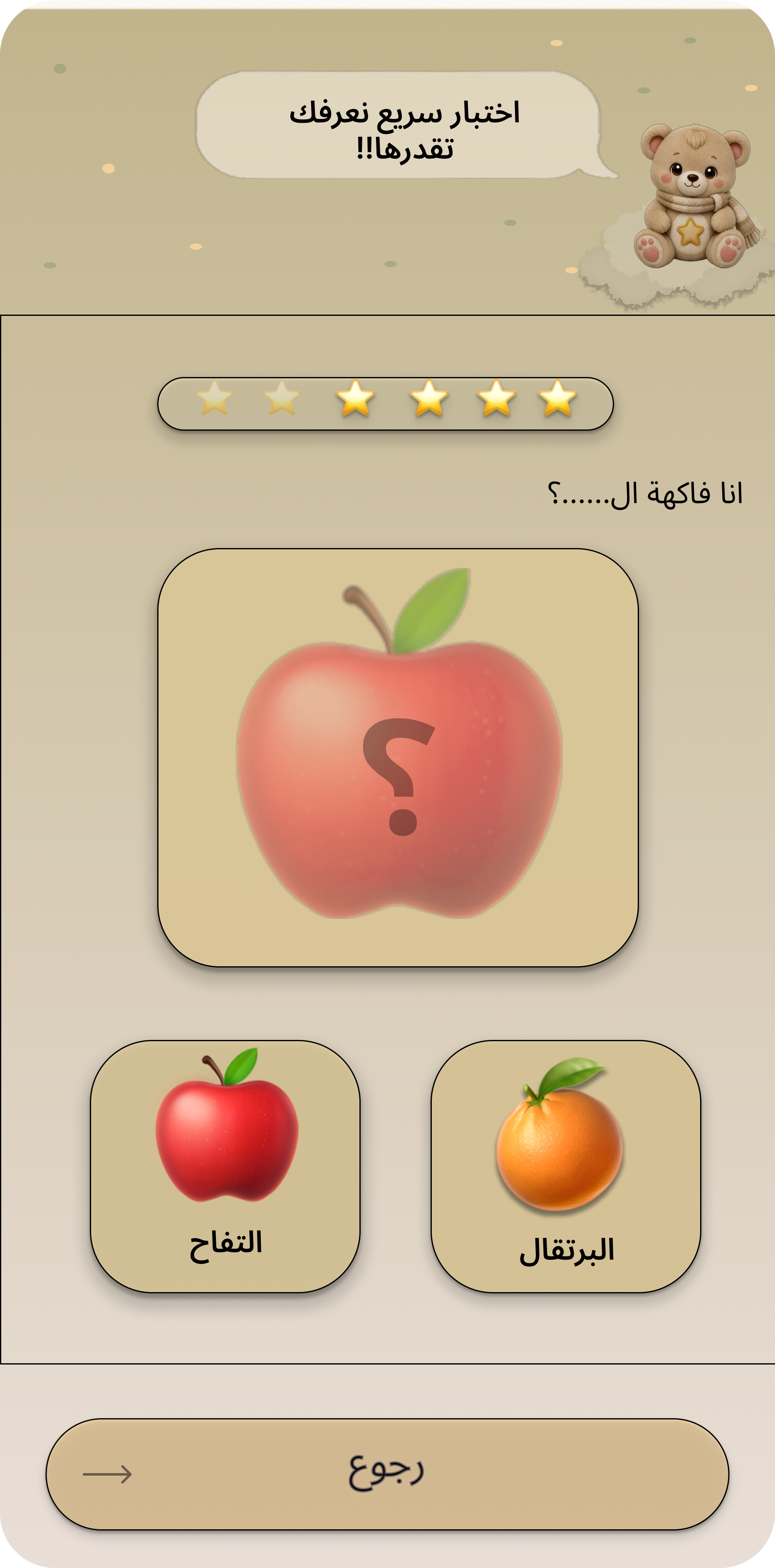
A simple visual question asks the child to recognize an object and select the matching answer.
A separate Figma interface designed around the needs of parents and caregivers, including onboarding, account access, progress information and proposed scheduling tools.
Family-centered imagery introduces the companion platform and establishes a welcoming first impression.
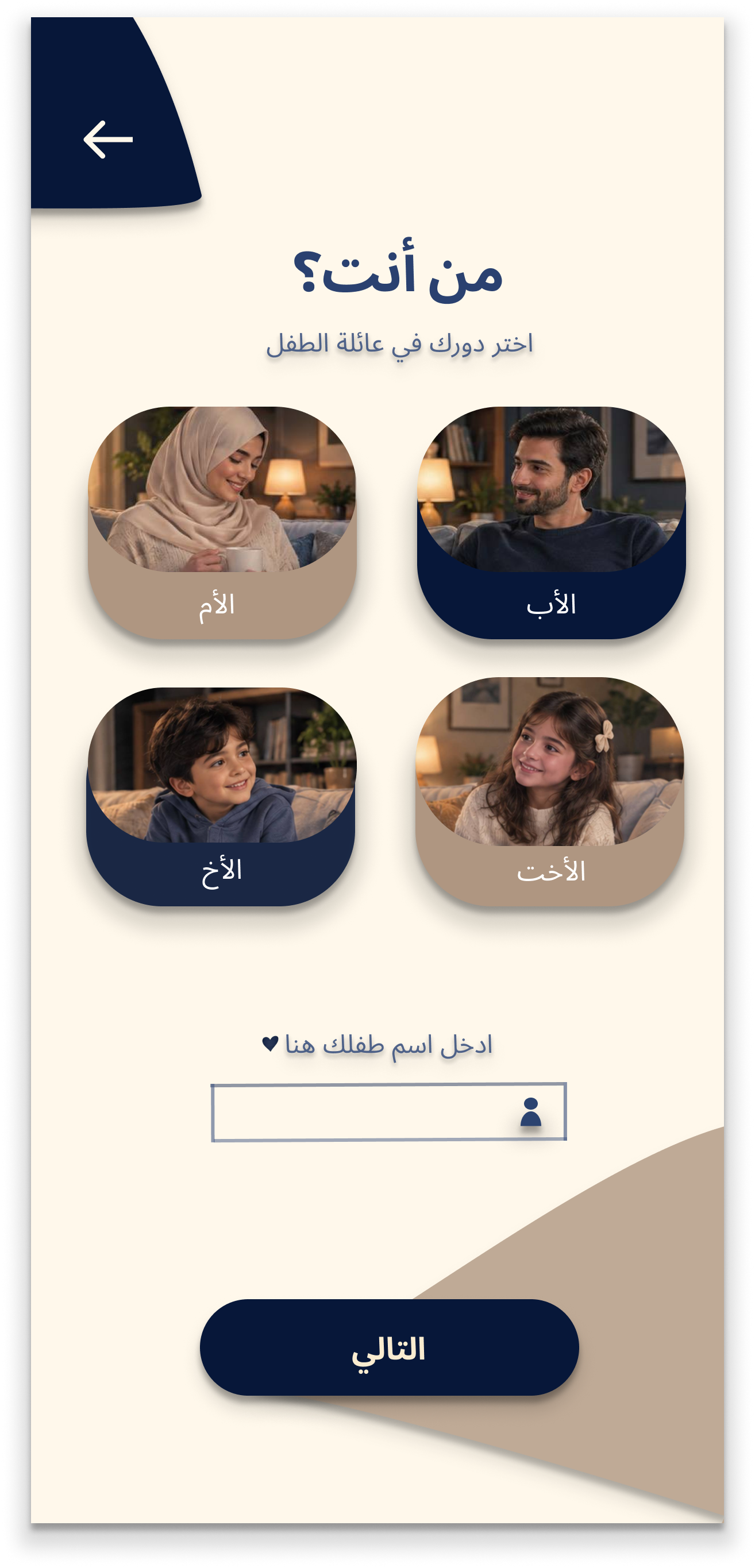
Caregivers can identify their relationship to the child through illustrated role-selection cards.
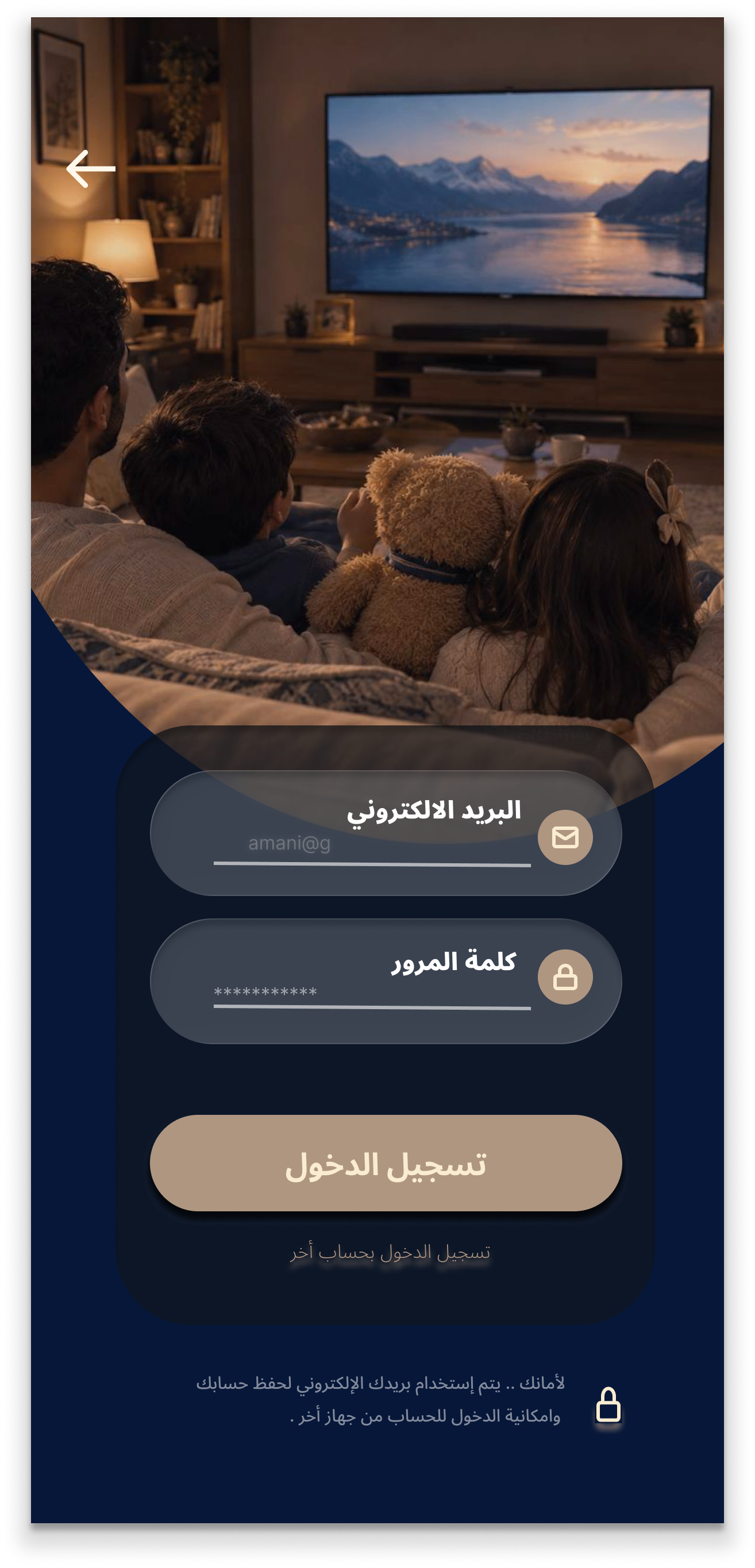
A familiar login layout presents email and password fields within the parent interface.
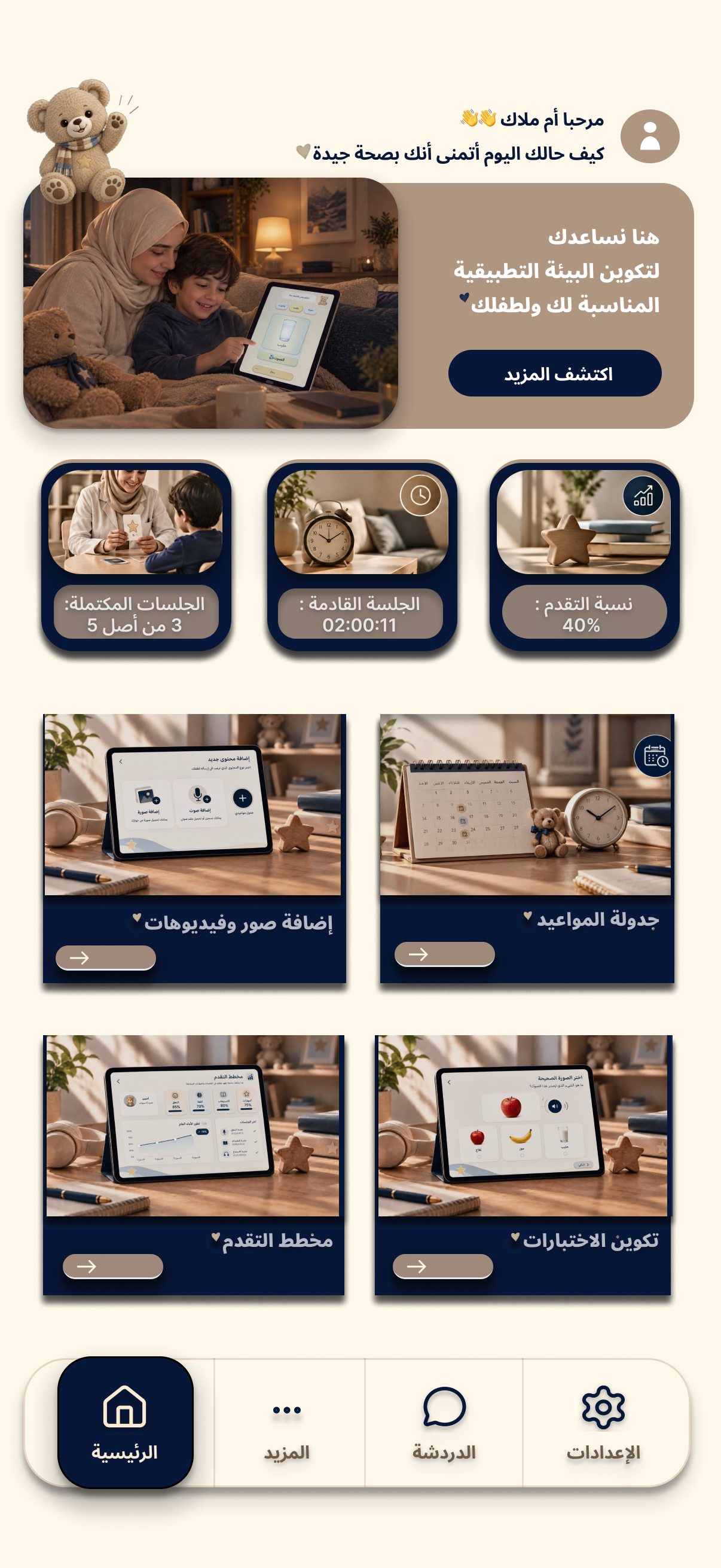
The dashboard brings together session information, progress indicators and shortcuts to key activities.
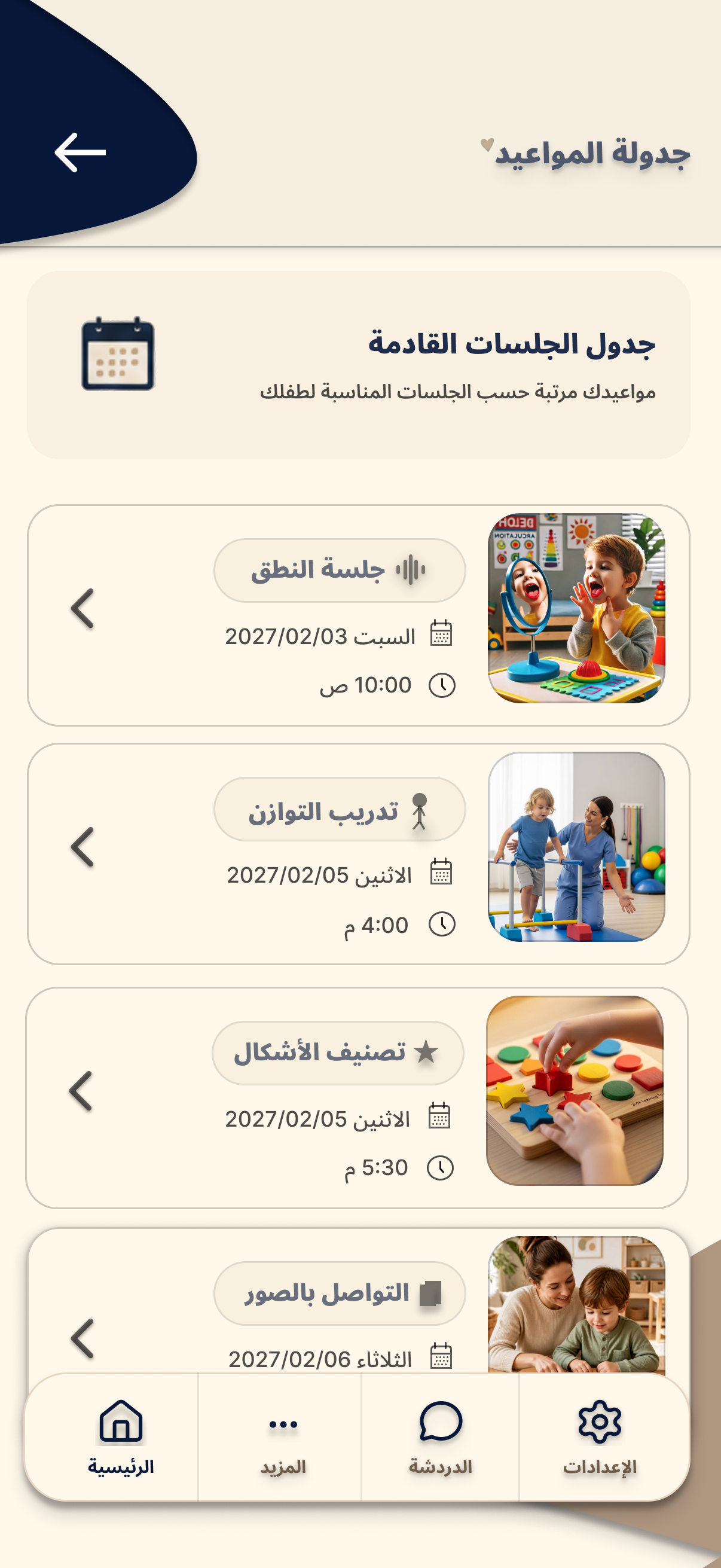
Session cards display activity names, dates and times in a structured layout for caregivers.
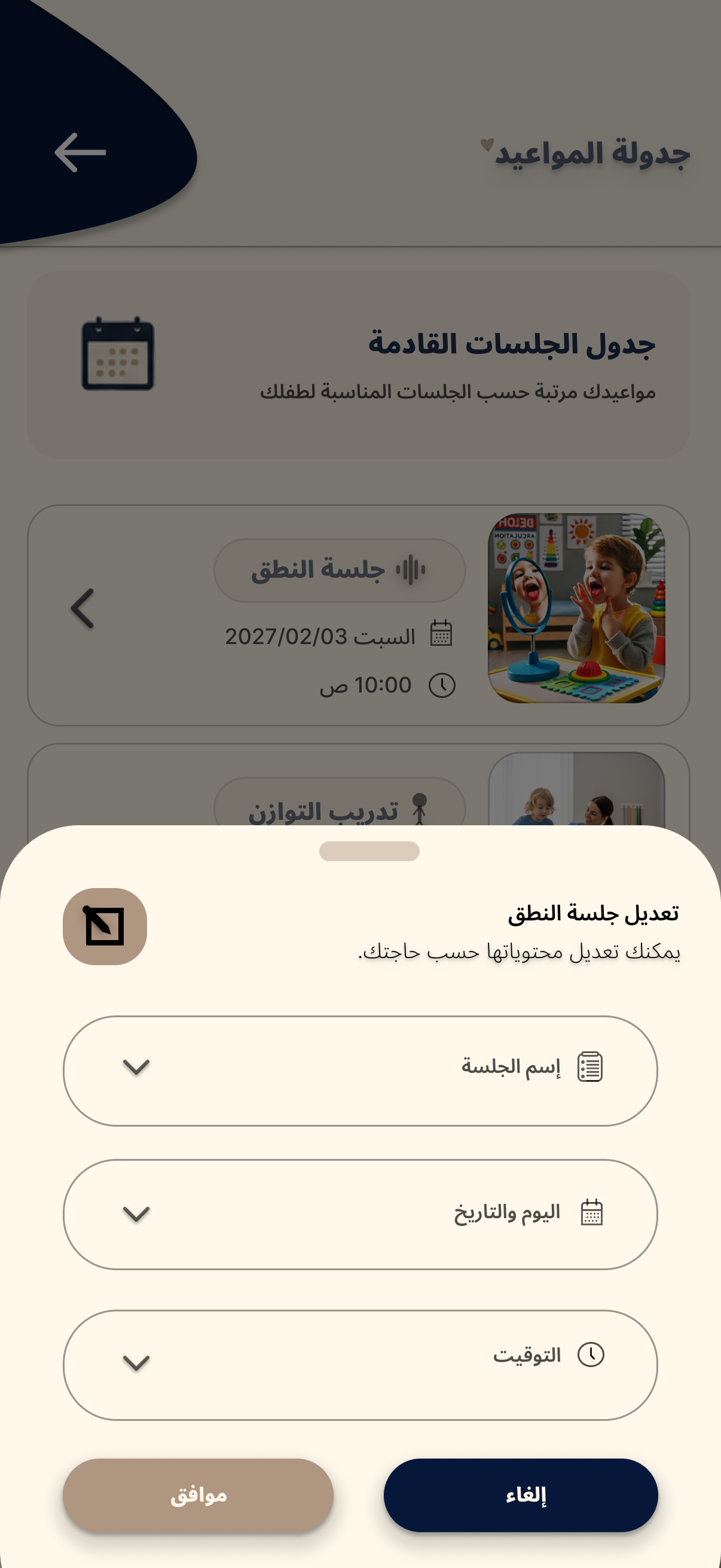
A proposed editing panel groups session name, date and time into clearly separated controls.
The wider Taif Parents concept also proposes uploading a child's schedule as an image and using AI to help organize appointments, sending reminders, adding familiar photos and videos, and creating personalized quizzes. These are design ideas, not functioning software features.
The two interfaces share a project identity while responding to different user groups and tasks.
Soft pastel colors were selected for the child interface to create a lighter visual atmosphere. The parent interface uses more structured navy and neutral tones.
Oversized illustrations, readable labels and generously sized controls make the child-facing choices easier to distinguish.
Child screens prioritize one activity at a time, while parent screens accommodate schedules, progress summaries and more detailed information.
Taif Kids and Taif Parents are UI/UX design concepts. The screens shown here are not a fully developed application or a live connected platform.
← Back to Portfolio